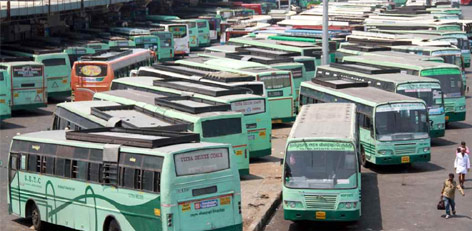
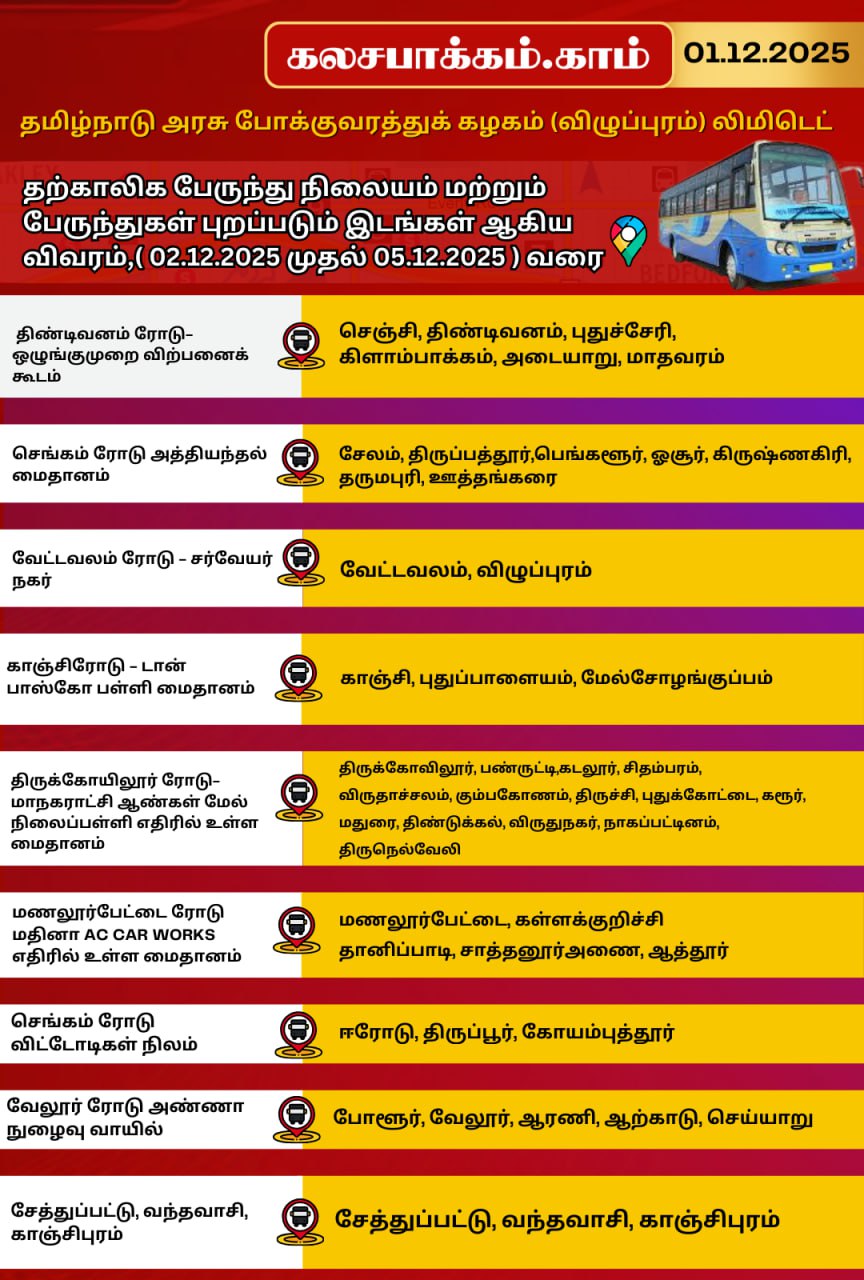
திருக்கார்த்திகை தீபம் 2025 – தற்காலிக பேருந்து நிலையங்கள் மற்றும் செல்லும் பகுதிகள்!!








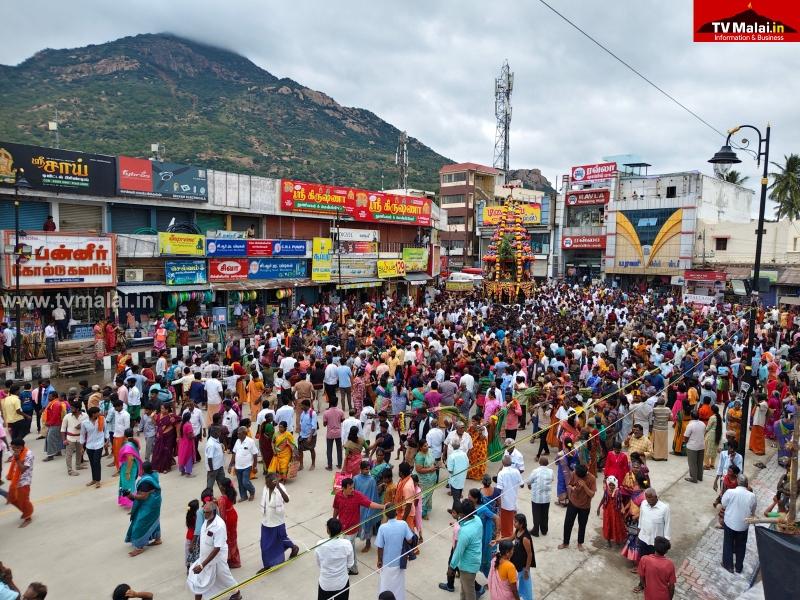
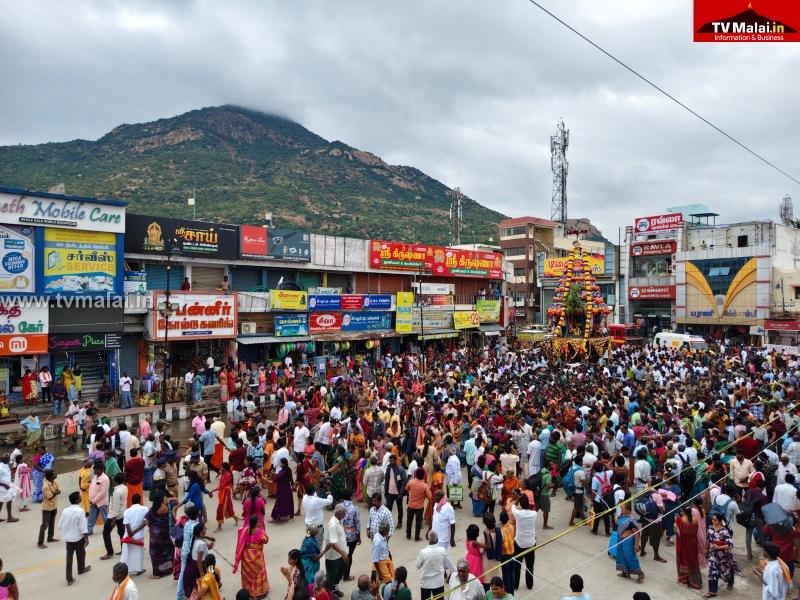
பத்தாம் நாளான புதன்கிழமை (03.12.2025) அன்று அதிகாலை 04:00 மணிக்கு பரணி தீபமும், அன்று மாலை 06:00 மணியளவில் 2,668 அடி உயரம் உள்ள அண்ணாமலை உச்சியில் மகா தீபம் ஏற்றப்பட உள்ளது.

















Service Code: DBL-401 | Department: Directorate of Boilers
Purpose:
The Registration of License under Boilers Act service enables companies and industries to register their boilers for legal operation through the e-District portal. This service is designed for:
– Industrial companies using boilers in their operations
– Manufacturing units with boiler installations
– Business establishments requiring boiler registration
– Authorized representatives handling industrial compliance
Required Information:
Mandatory Application Details:
Company Details:
– Full name of the Company
– Company Address (State, Taluk, Street details)
Boiler Technical Specifications:
– Boiler Makers No. and Name of Boiler Maker
– Place of Make and Year of Make
– Rating (Total Heating surface Area in Sq.m.)
– Working pressure (in kg/cm2)
– Type of boiler and Sub Type of Boiler
– Evaporation Capacity (kg/hr)
– Steam pipeline length in meters
– Nominal Bore specifications
Special Requirements:
– Document Submission: Multiple technical forms required
– Payment Method: Bank challan payment system
– Technical Compliance: Must meet boiler safety standards
– Operator Assistance: Requires operator login for application
Step-by-Step Application Process:
1. Visit the Portal: Login to [e-Sevai Tamil Nadu](https://tnedistrict.tn.gov.in) portal as Operator
2. Navigate to Service: Click on Services – Directorate of Boilers – DBL-401 Registration of License under boilers act
3. Click Proceed: Review service description and click Proceed
4. Fill Application Form: Complete all mandatory fields (*):
– Company Details (name, address)
– Contact Details (phone, email)
– Boiler Technical Specifications (comprehensive details)
5. Submit Application: Click Submit to generate application number
6. Choose Document Delivery Method:
– Attachment (upload soft copies) OR
– Physical (send documents by post)
7. Upload Documents (if choosing Attachment):
– Form No. I or Form No. XVI
– Form No. II
– Form No. IIA, IIB, IIC
– Form No. IV or IV A
– Drawings
– Other Documents
– Supported formats: PDF, JPEG, JPG, PNG
– File size limits: Documents 200KB, Photos 50KB
8. Make Payment:
– Payment Type: Challan
– Enter Challan No. and Challan Date
– Government Fees + Service Charge (₹25)
– Upload Challan Copy
– Click Make Payment and Confirm Payment
9. Download Acknowledgement: Click Print Receipt for acknowledgement
“>Document Requirements:
Mandatory Technical Forms:
– Form No. I or Form No. XVI – Application form
– Form No. II – Boiler particulars
– Form No. IIA, IIB, IIC – Additional specifications
– Form No. IV or IV A – Installation details
– Technical Drawings – Boiler design and layout
Physical Submission Address (if chosen):
The Director of Boilers, 1st Floor, (North Wing), PWD Office Compound, Chepauk, Chennai – 600005
After Submission:
– Application Tracking: Check status under Submitted Applications
– Approval Process: Application reviewed by Directorate
– Certificate Generation: Provisional order issued upon approval
– Digital Certificate: Downloadable from operator desk
Downloading Certificate:
1. Check Status: Go to Check Status section
2. Enter Application Number: TN-XXXXXXXXXXXX
3. Click Search: View application details
4. Download Certificate: Click Download certificate link when status shows “Application Approved”
Important Notes:
– Technical Accuracy: Ensure all boiler specifications are accurate
– Document Compliance: All technical forms must be properly completed
– Payment Method: Bank challan payment required for government fees
– Service Charge: ₹25 fee for processing
– Validity Period: Provisional certificate valid for 6 months
– Physical Inspection: May require physical inspection by boiler inspectors
– Safety Compliance: Must meet Indian Boilers Act, 1923 requirements
– Application Tracking: Monitor status through Check Status feature
– Certificate Conditions: Provisional order has specific usage conditions and limitations
Apply Online: https://tnedistrict.tn.gov.in
Assistance: Visit your nearest e-Sevai / CSC Centre
This guide is based on the Tamil Nadu e-District User Manual (DBL-401). Government of Tamil Nadu, 2017.*